Library
Get the most out of using your on-campus library, including borrowing books, finding study rooms and developing your research skills.
Welcome to the Library
Discover how the Library’s resources, spaces and support can help you with your studies.
Find out how we can support you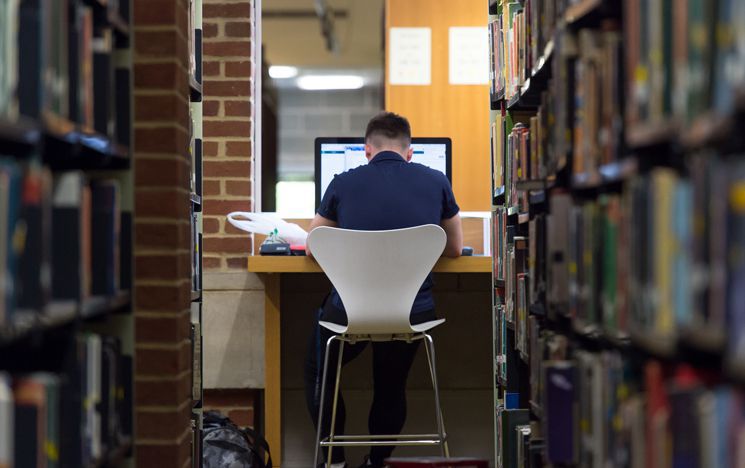
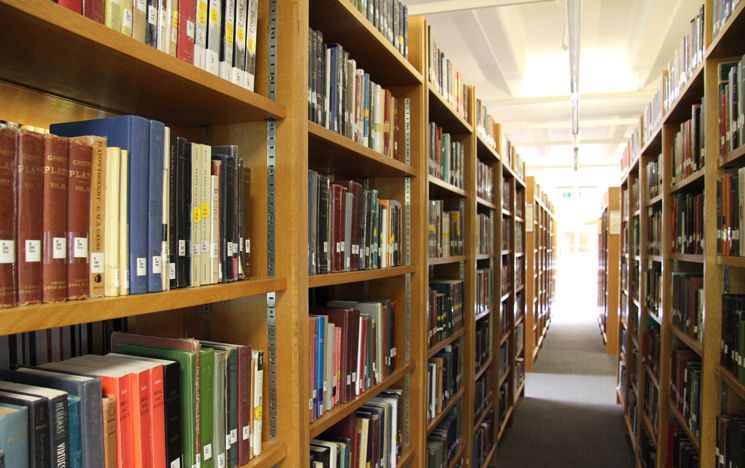
Find and request books
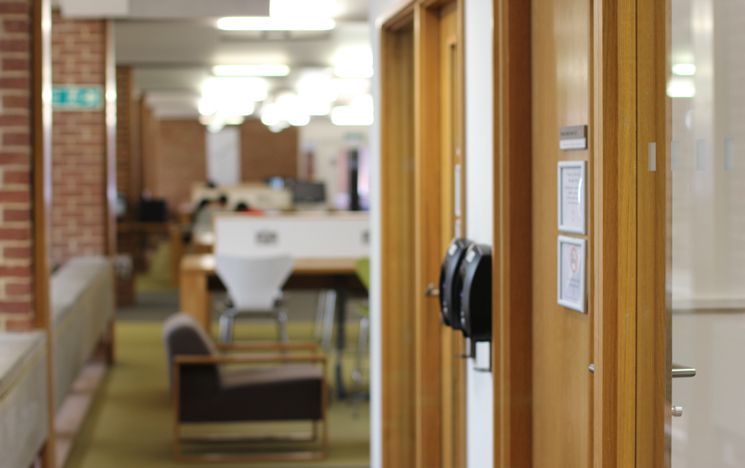
Study rooms

Library teaching and events
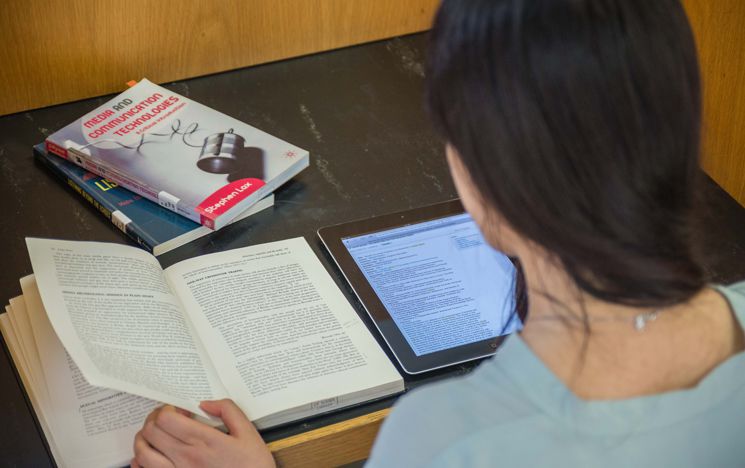
Reading lists

Online resources and subject guides

Special Collections
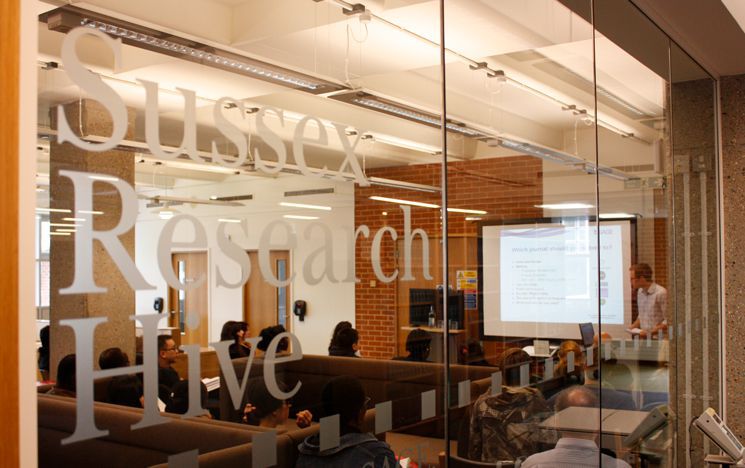
Research support

Open Research
Contact
For general enquiries please email library@sussex.ac.uk.
Use our online chat service from 9am-5pm Monday-Friday for a quicker response.
You can visit the Library Service Desk during staffed hours for immediate in-person support or call us on 01273 678163.
We greatly value your feedback. If you have any comments or suggestions, please email library@sussex.ac.uk
or complete our online feedback form.